 Read Aloud
The useful answer
Choose by workflow: NaturalReader documents web, mobile, and browser-extension tools, with subscription features including MP3 conversion. Read Aloud offers a mobile listening library for your own documents and books. Both have paid features; test your actual source before choosing a plan.
NaturalReader or Read Aloud: which should you choose?
Start by deciding where the reading happens and what result you need. NaturalReader is worth examining when a web reader, browser extension, or documented audio-download feature is central to your workflow. Read Aloud is worth trying when you want a listening library on your phone or tablet for documents, books, and passages you bring yourself.
Neither choice can be settled by the words “natural voice.” You need to know whether your source imports sensibly, which voice you can actually access, and how you return to the right paragraph. Those are separate questions from how polished a sample sentence sounds.
Disclosure and method: This article is published by Read Aloud's developer. Product facts were checked against the official sources linked here on 18 October 2026. We are comparing documented capabilities and reading tasks, not reporting an independent head-to-head performance benchmark.
Other product names identify the products being compared. Their mention does not imply endorsement of Read Aloud or this article by those companies.
A compact comparison of the main differences
Scroll sideways to see all columns.
| Decision | NaturalReader Personal | Read Aloud |
|---|---|---|
| Main environment | Personal web app, mobile app, and Chrome extension | iPhone/iPad app; Android listing also available |
| Your own reading | Documents and other supported sources | PDFs, EPUB books, Word documents, pasted text, and web articles |
| Voice access | Basic access plus subscription voice tiers | System voices plus optional premium Plus voices |
| Downloadable audio | MP3 conversion is documented as a subscription feature | No audio-export workflow offered here |
| Returning to reading | Evaluate its library workflow with your material | Saved progress, bookmarks, and notes |
| Buying decision | Check the current personal plan and its limits | Check current in-app Plus access and regional prices |
Sources for NaturalReader's entries are its personal plan documentation and feature overview. Read Aloud's release features are described in its App Store listing.
When NaturalReader is the more relevant starting point
A reader who spends the day working in a browser may want to investigate NaturalReader's web and extension options before evaluating a phone-centered routine. Its published feature set also includes tools such as pronunciation editing and text filtering. Those are concrete requirements to explore if your material repeatedly contains troublesome names or page furniture.
The important next question is whether the feature solves your particular problem. A pronunciation setting is useful only if it produces the name you need. A filtering option is useful only if it removes unwanted material without dropping a qualification from the argument. Test the result against the original text rather than assuming a checkbox means perfect handling.
If your requirement is an MP3 file, investigate the relevant NaturalReader plan first. The personal-plan documentation distinguishes personal listening from commercial voice production. A downloadable file is not, by itself, permission to use the narration in an advertisement, course, or published video. Choose a service and license that match the intended output.
When Read Aloud is worth trying
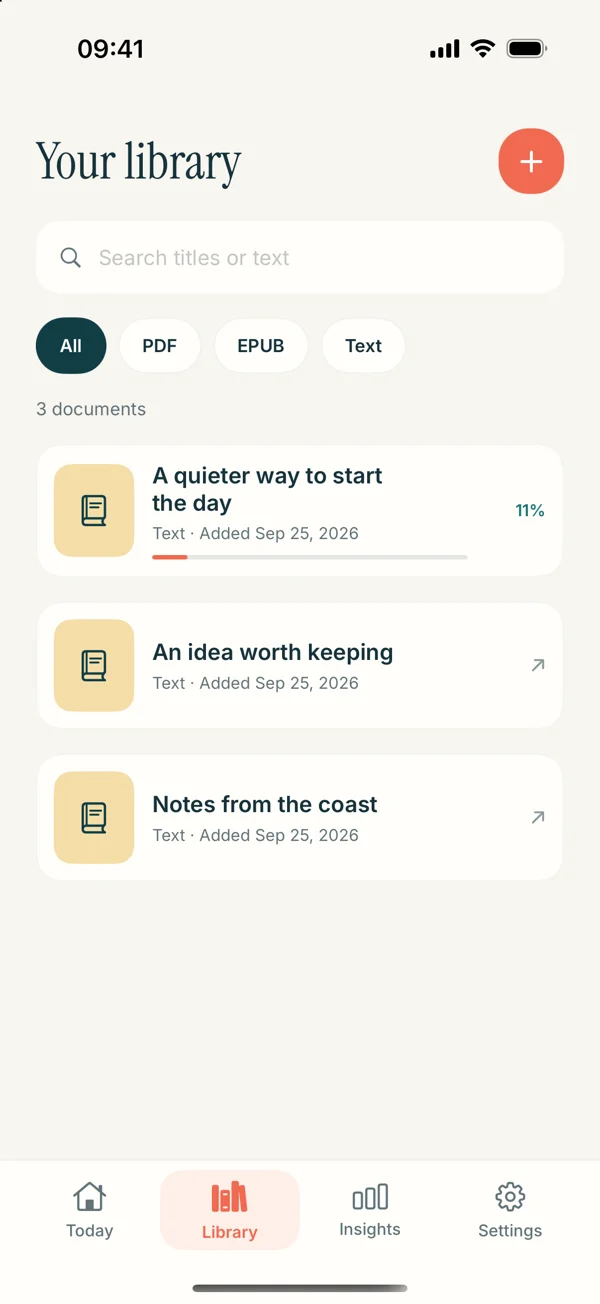
Read Aloud's role is a collection of reading you can hear. You can bring in a document, select an available voice, set your pace, and return to saved reading. Its current iOS release also includes bookmarks and notes for passages you want to revisit.
A realistic use case is a small collection with different formats: a report from work, a book you can legally import, and your own writing. You do not need all three to behave identically. You need a predictable way to find each one and begin a useful listening session.
The EPUB guide covers compatible book files, while the Word guide explains document preparation. Read Aloud is free to download, but premium voices and selected features require Plus. Look at the purchase screen before depending on a particular feature for a long session.
A PDF comparison should start with the file
Imagine a six-page briefing with two columns, repeated headers, and a small data table. It might contain selectable text, yet still produce an odd spoken sequence. A reader can encounter the right-hand column halfway through a sentence or hear the same heading repeatedly.
For either app, compare a passage near the beginning with a more complicated page later in the file. Keep the original open while you inspect the extracted words. If the table loses its labels, leave that section for visual review instead of trying to infer what an isolated number refers to.
You can prepare a cleaner listening copy when appropriate. For example, copy the paragraph you need into plain text, restore meaningful paragraph breaks, and preserve the author's wording. Label the copy with the original section so you can return to it. This is preparation you control, not a guarantee that either app automatically repairs every PDF.
Our PDF reading-order article explains the problem in detail. It is especially useful before paying for a different voice to solve what is actually a document-structure issue.
Compare voices using a meaningful sample
Use a sample that contains the things your material really asks a voice to say. For a novel, that might mean dialogue and a place name. For a work document, include a project acronym and a date. For a scientific article, choose a sentence with the terminology you will hear repeatedly.
Play the same passage in each candidate at a pace you can follow. Listen for where sentences end, whether names remain recognizable, and whether you can keep track of a long clause. Do not compare one tool at a hurried setting and the other at a relaxed one.
If a pronunciation sounds wrong, first inspect the text and language choice. OCR can turn a name into a different string before the speech system ever sees it. A better-sounding voice cannot reconstruct a letter that is missing from the input.
Keep the outcome simple: “comfortable for this chapter” is a useful decision. “The objectively best AI voice” is a much larger claim than a short listening test can support.
Free access, subscriptions, and the cost of your actual task
Both products need more than a glance at an install button. Read Aloud distinguishes system voices from Plus access. NaturalReader documents basic free functions and paid capabilities. Check the current offer on your device, including billing period, renewal terms, and the particular features you expect to use.
A fair comparison begins with one complete task: “I need to listen to this weekly report using a voice I find comfortable.” Write down what that task requires. Then check whether each product provides those requirements at the access level you intend to use.
This also prevents paying for an impressive but irrelevant capability. If your routine is ordinary in-app reading, a downloadable audio file may add nothing. If the file itself is your required deliverable, its availability matters more than the appearance of a reading library. Comparing the task keeps the decision concrete.
No fixed price is quoted here because a regional store checkout may differ from a web offer. The linked official pages and your purchase screen are the sources for the amount you would actually pay.
A five-part trial before moving your library
Use this small evaluation on a non-sensitive document you are allowed to import:
- Import: Is the whole source present, including its ending?
- Listen: Can you follow a representative paragraph without repeatedly inspecting the screen?
- Pause: Can you stop at a useful point and understand where to resume?
- Return: Can you find the document again the next day?
- Access: Are the needed controls and voice available on the plan you chose?
Add an extra check only if it matters to your work. For example, test a browser workflow if you depend on it, or verify audio export if you need a file. Avoid spending an afternoon comparing controls that your normal reading will never touch.
Keep a note of the original section and your stopping point. That gives you a fallback if the new app organizes the document differently. It also stops a minor import problem from turning into a lost afternoon of searching for where you were.
Moving from NaturalReader to Read Aloud
Use your original documents, book files, or article URLs. This article does not describe a transfer of NaturalReader annotations, account data, subscriptions, or voice settings. Bring a source into Read Aloud and establish new return points in its library.
For an iPhone trial, save a supported document in Files, open Read Aloud's Add content flow, select the import route, and open the saved item. Check a paragraph, choose an accessible voice, and play. If the original source is only a short passage, Paste or write text can be the clearer route.
Do not move the entire collection immediately. Try one ordinary file and one that represents your difficult material. If either fails, identify the cause before repeating the same problem across dozens of imports. Keep the source copies available so switching apps remains a reversible choice.
Questions to settle before choosing
Does Read Aloud replace NaturalReader's MP3 conversion?
No audio-export workflow is offered in this comparison. Choose Read Aloud for listening inside the app. If a downloadable file is essential, inspect NaturalReader's documented export options and applicable plan.
Which is better for EPUB books?
Use a DRM-free book you can access and test the chapter text, names, and return behavior in the tool you are considering. The filename alone cannot establish that a protected store purchase will import. Our EPUB guide explains Read Aloud's route.
Is there a simpler option for one paragraph?
Yes: Apple's built-in reading controls may cover a short onscreen passage. See Apple Read & Speak versus Read Aloud for the distinction between immediate speech and a saved listening library.
How should I start with Read Aloud?
Download the app, bring one familiar document, and complete a short listening session. Judge it by whether it fits the reading you already do, then decide whether any optional features are worth adding.