 Read Aloud
The Read Aloud journal
A little more room for reading.
Ideas for your reading list, fixes for awkward documents, and thoughtful ways to make listening part of your day. Twenty practical stories from Read Aloud.
App walkthroughs and screenshots preview version 1.0.3, which is not yet on the App Store. General reading advice can be used now. Each article includes a relevant next step and links to related guides.
Document fixes · 8 min read
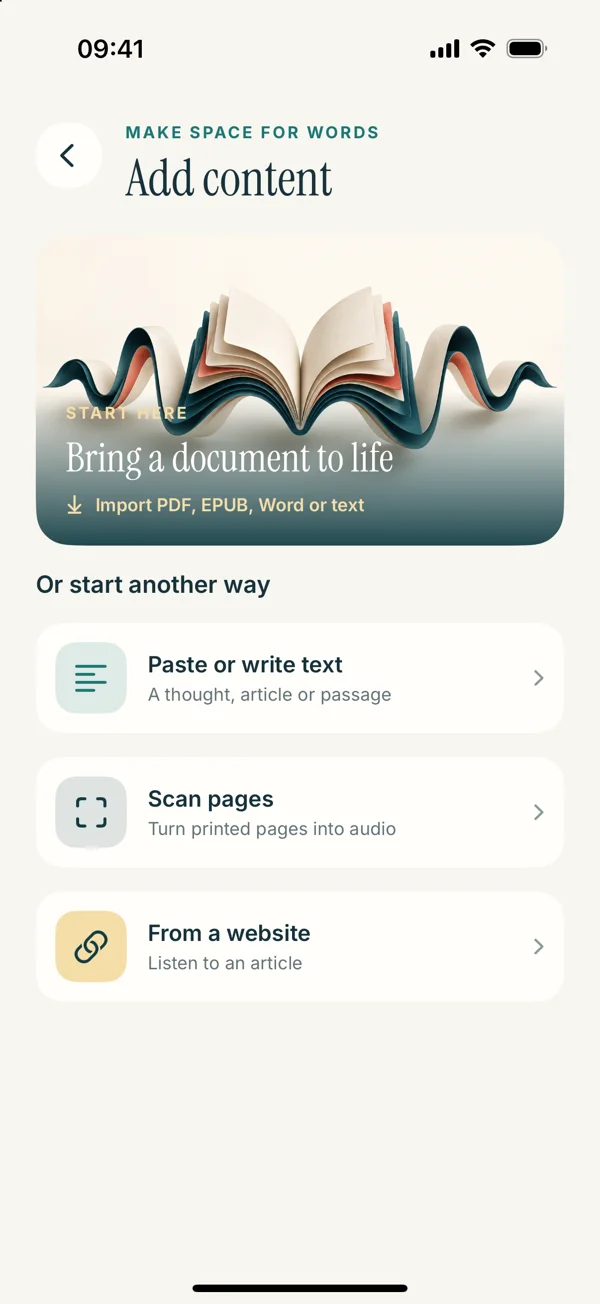
Why Your PDF Has No Selectable Text
A PDF can look readable but contain only images. Learn how to identify the problem, choose a better source, and prepare a usable copy for listening.
Read the story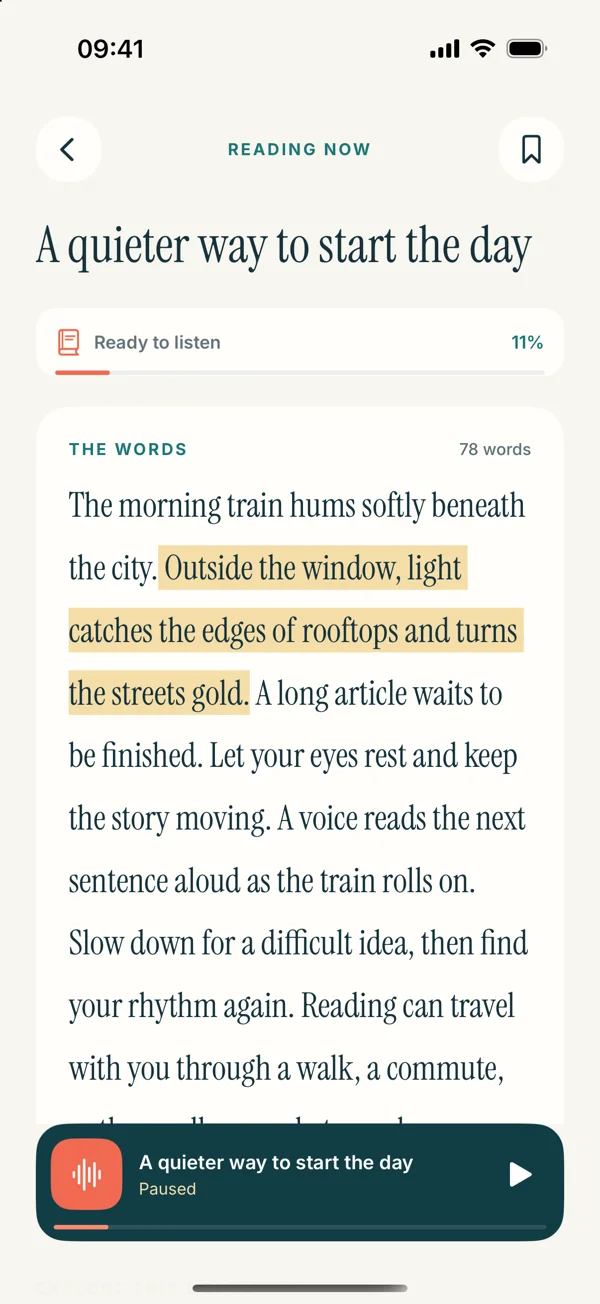
Document fixes · 8 min read
Why a PDF Reader Jumps Between Columns
Is your PDF reader jumping between columns or repeating headers? Learn how to diagnose reading order and prepare a clearer version for listening.
Read the storyBetter listening · 8 min read
Fix Odd Pauses in Copied Text Before Listening
Does speech pause in the middle of every sentence? Learn how to clean copied line breaks, split words, and page clutter without changing the meaning.
Read the storyScan smarter · 8 min read
Take Better Photos for Text Recognition
Make printed text easier to recognize before listening. Use a practical photo checklist for light, focus, page shape, and checking the OCR result.
Read the storyScan smarter · 8 min read
Live Text or a Camera Scan: Which Should You Use?
Choose a sensible route from a photo or printed page to spoken text. Compare Live Text, scan input, and the review steps that make either useful.
Read the story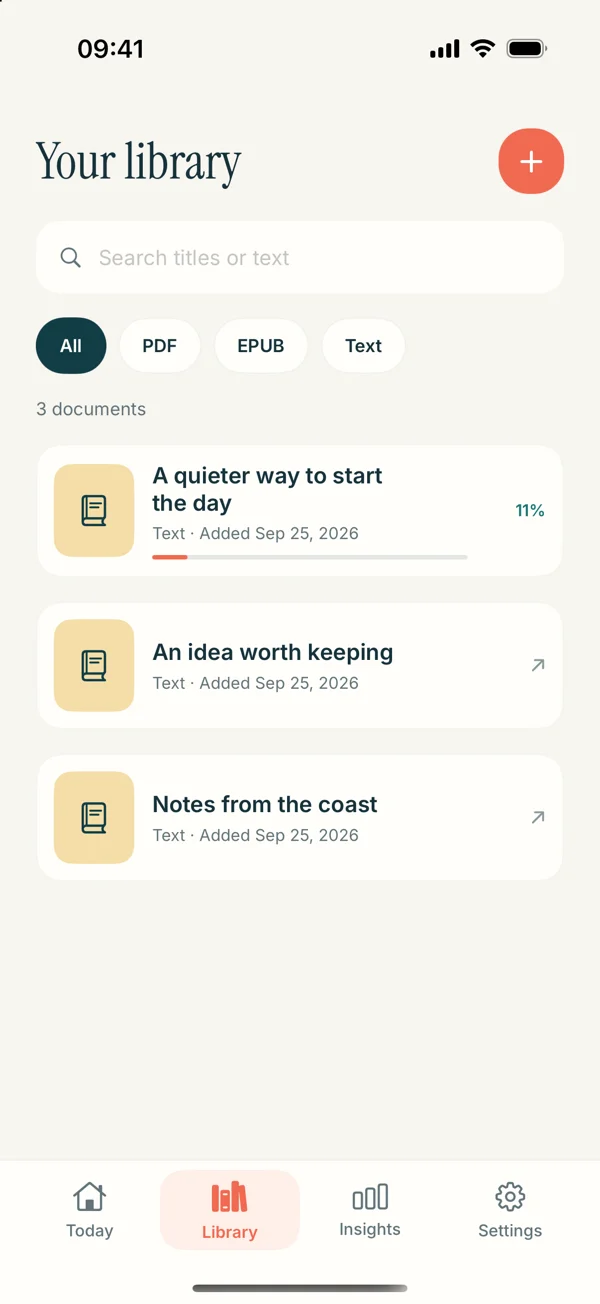
Ebooks explained · 8 min read
Why an EPUB Won’t Open in a Reading App
Troubleshoot an EPUB that will not open: check the real file type, download completeness, access restrictions, and book structure before trying again.
Read the storyEbooks explained · 8 min read
Find DRM-Free EPUBs for Personal Listening
Find a usable EPUB for text-to-speech listening. Learn how to evaluate download options, check access terms, and choose a clean first test book.
Read the storyEbooks explained · 8 min read
EPUB or PDF: Which Is Better for Listening?
Choose between EPUB and PDF for text-to-speech listening. Compare prose flow, page references, images, and the checks that matter for your actual file.
Read the story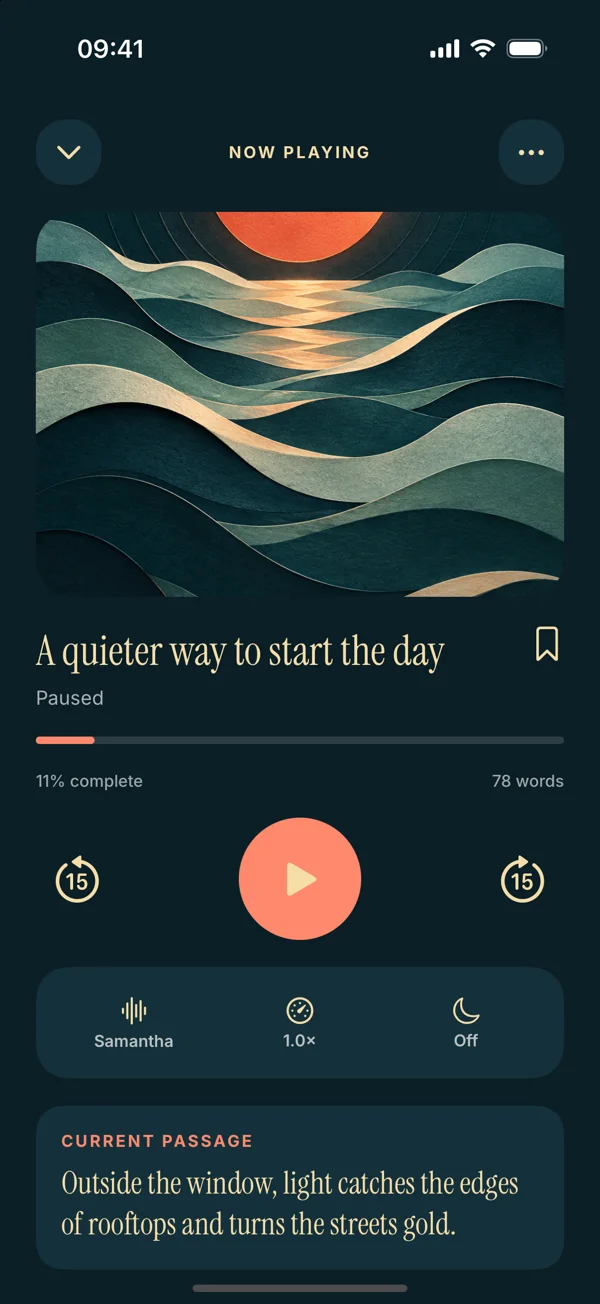
Ebooks explained · 8 min read
Text to Speech and Audiobooks: The Difference
Compare text-to-speech reading with narrated audiobooks. Decide which fits your own documents, reading preferences, and the kind of listening you want.
Read the storyWeb reading · 8 min read
Safari’s Listen to Page Is Missing: What Next?
Cannot find Safari’s Listen to Page option? Check the page, browser, and available article text, then choose a practical route to hear the content.
Read the storyWeb reading · 8 min read
When a Web Reader Speaks Menus, Not the Article
Clean up a web article import that includes menus, banners, or recommendations. Learn how to verify the article body and prepare useful listening text.
Read the storyWriting & focus · 8 min read
Move a Mac Draft to iPhone for a Listening Pass
Take a draft from Mac to iPhone without losing track of the original. Choose a file or text route, verify the copy, and use listening to guide revision.
Read the storyWriting & focus · 8 min read
Proofread an Essay with a Listen-Then-Edit Pass
Use text to speech to review an essay’s flow, repetition, and sentence rhythm. Follow a practical listening pass, then edit and check the original.
Read the storyWriting & focus · 8 min read
Prepare Slides for a Useful Listening Review
Turn slide text into a useful review session. Separate labels from explanations, prepare a speaking outline, and check what audio cannot show.
Read the storyReading routines · 8 min read
Make Study Notes into a Short Listening Routine
Build a focused listening session from your own study notes. Choose one topic, prepare clear text, pause for recall, and check the original afterward.
Read the story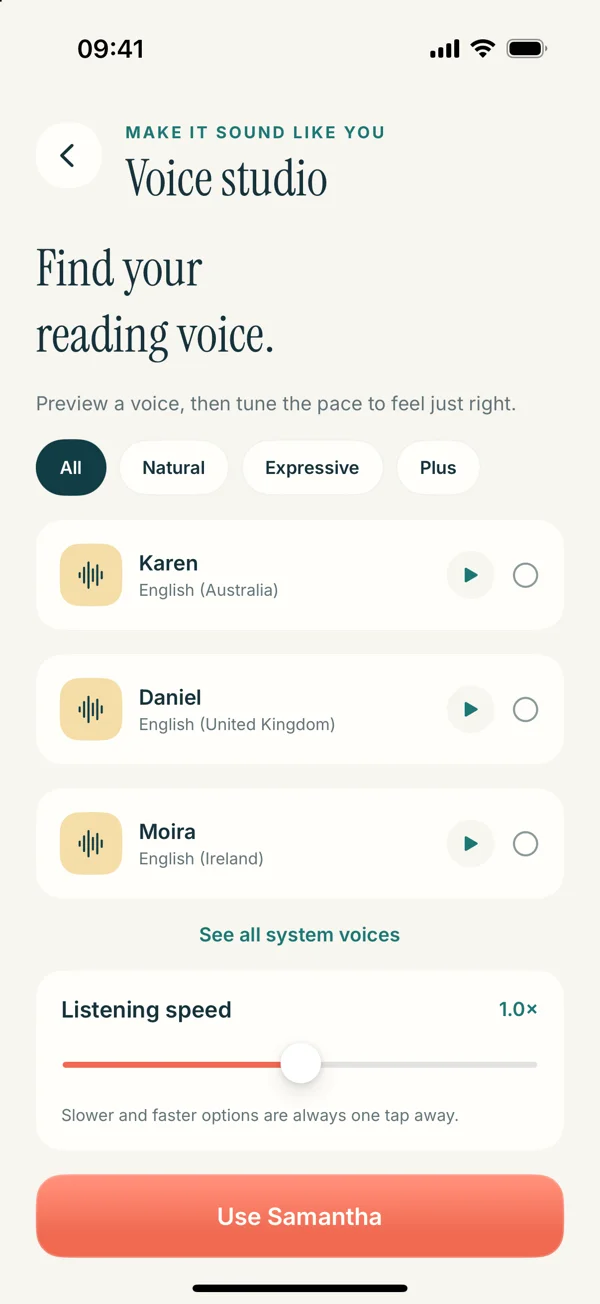
Better listening · 8 min read
Find a Text-to-Speech Speed You Can Follow
Choose a listening speed for your material, not a number to chase. Test a short passage, check understanding, and adjust pace without losing the thread.
Read the storyBetter listening · 8 min read
When Text to Speech Mispronounces a Name
Handle names, acronyms, and unusual terms that sound wrong in text to speech. Check the source, match the voice language, and prepare a clear listening copy.
Read the storyReading essentials · 8 min read
Text to Speech or Speech to Text?
Understand the difference between text to speech, dictation, OCR, and transcription. Choose the right tool for reading, writing, or capturing words.
Read the storyTroubleshooting · 8 min read
Text to Speech Is Playing but You Hear Nothing
Troubleshoot silent text-to-speech playback on iPhone. Check audio output, volume, voice choice, connection needs, and a short known-good passage.
Read the storyReading routines · 8 min read
Use Bookmarks to Make Long Reading Easier to Revisit
Make bookmarks useful instead of saving every passage. Choose return points, pair them with questions, and build a focused review of long documents.
Read the storyYour next chapter starts here
Make time for your reading.
Just press play.
That article you saved. The document you need to finish. Give your words a voice with Read Aloud.
Download for iOSFree to download. Optional in-app purchases.
Downloads open the currently released iOS app.