 Read Aloud
The useful answer
In the upcoming Read Aloud release, import a DRM-free EPUB from Files and use the book reader’s playback controls. This creates an in-app listening experience, not an exported audiobook.
What an EPUB audio reader actually does
An EPUB is an ebook file. In a text-to-speech reader, the app takes readable text from that file and speaks it using a selected voice. Most of the time, you are hearing synthesized speech rather than a recording made by a human narrator.
That distinction matters when you search for an “EPUB audio reader.” You might want to listen to a book you already own, rather than buy a separately narrated audiobook. Text to speech can provide that reading route when you have a compatible, accessible ebook file. It does not automatically produce an MP3 file or a commercially distributed audiobook.
Read Aloud’s EPUB workflow described here belongs to the upcoming 1.0.3 release. The current public app is 1.0.2. This page is a practical preview of the import and listening experience, with the availability notice kept visible so you can plan accordingly.
Check the file before importing
Make sure you have an actual .epub file in Files. A book visible inside another store’s reading app is not necessarily an exportable EPUB. A download may instead be a link, a purchase receipt, a license file, or a format intended for a different reader.
Use a DRM-free EPUB that you are entitled to access. DRM is an access restriction applied by some ebook distributors. Read Aloud does not promise to open protected store purchases or remove those restrictions. Renaming a Kindle file to end in .epub does not convert it into one.
If you are unsure, check the download options from the source that supplied the book. Our EPUB troubleshooting article separates format, incomplete-download, and protection problems. For a suitable practice file, finding DRM-free ebooks explains how to choose one responsibly.
Bring the EPUB into the app
- Save the EPUB to a location available in Files.
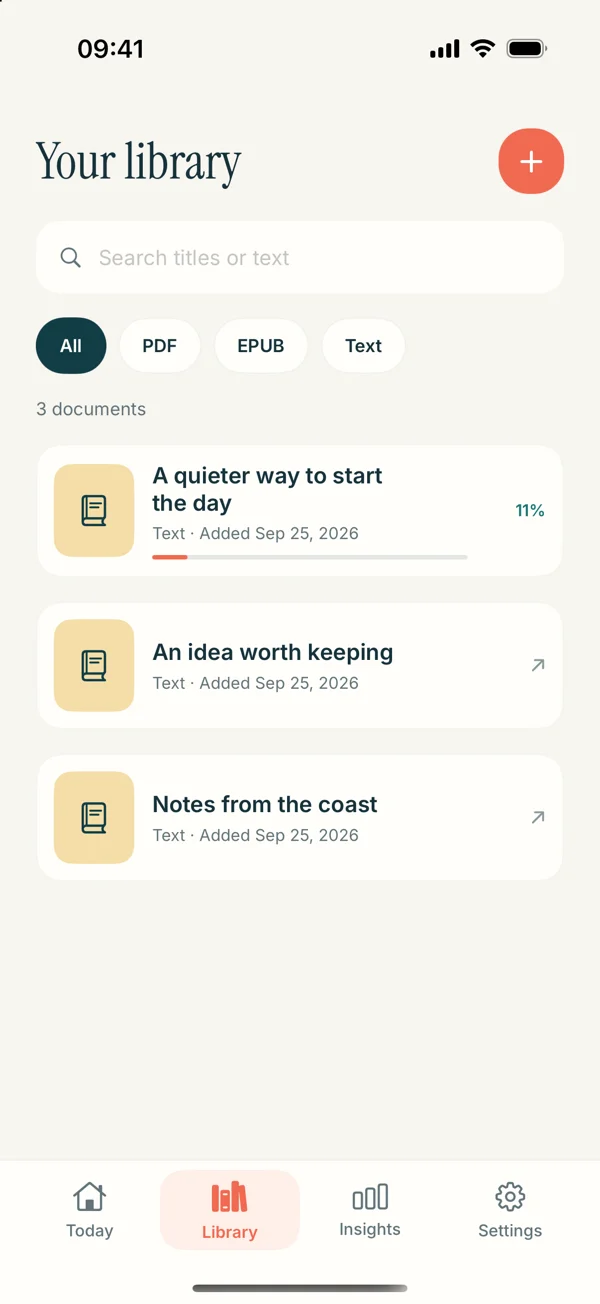
- Open Read Aloud and choose the document import option from Add content.
- Select the EPUB and allow the import to finish.
- Open the book from your library.
- Check a paragraph from the beginning and one from a later part of the book.
Before settling into a long session, confirm that the chapter text is in a sensible order. Publisher formatting varies. Check the chapter sequence and any sidebars or embedded images rather than assuming every book will import in exactly the same way.
A plain prose book is an easier first test than a fixed-layout textbook full of boxed examples and illustrations. If a book is visually elaborate, keep a way to inspect the original layout when the words refer to something that speech cannot show.
Pick the voice with a representative passage
Choose a paragraph that sounds like the rest of the book. A story opening may contain unusually short sentences; a preface may contain names and publishing details unlike the main chapters. Compare voices on a section you are likely to hear for longer.
Pay attention to sentence rhythm, the treatment of dialogue, and whether unfamiliar names remain understandable. The right voice is the one you can comfortably follow. There is no need to choose the most dramatic or fastest option.
The app separates system voices from optional Read Aloud Plus voices. Check current in-app access and pricing when choosing a paid option. Use the voice selection guide if you want a repeatable way to compare them without constantly restarting a whole chapter.
Keep your first session short
Plan to hear a section or a few pages before committing to the entire book. When you stop, note the chapter and a short phrase near your stopping point. A clear return point is useful even when an app keeps reading progress; it helps you orient yourself rather than merely resume a sound.
For fiction, pause when you lose track of who is speaking. For nonfiction, pause when the author introduces a term you need to inspect. Listening is one way to encounter the book, and looking back at the text remains part of the experience.
If the material contains poetry, equations, or images, decide in advance which parts you want to hear and which parts you want to read visually. A spoken sequence of characters can be accurate while still failing to communicate the structure of a formula or a page.
Choose EPUB or PDF deliberately
If the publisher provides both formats, a prose EPUB is often a convenient source for continuous text. A PDF preserves pages and can be useful when references depend on page numbers or placement. The better choice depends on the particular file, not just the extension.
Try the same short section in each available format if the choice is unclear. Listen for reading order and missing text, then look at the original. Our EPUB versus PDF comparison gives a practical decision process without claiming that one format always wins.
When you want a performed audiobook
Text to speech and narrated audiobooks serve overlapping but different preferences. A human performance may add character voices and deliberate interpretation. A text reader lets you work with your own compatible files and adjust the reading setup. Neither description makes one universally better.
For a fuller comparison, read text to speech versus audiobooks. Then choose a small, compatible EPUB and test the workflow when the update becomes available. You can view Read Aloud on the App Store for its current release details.