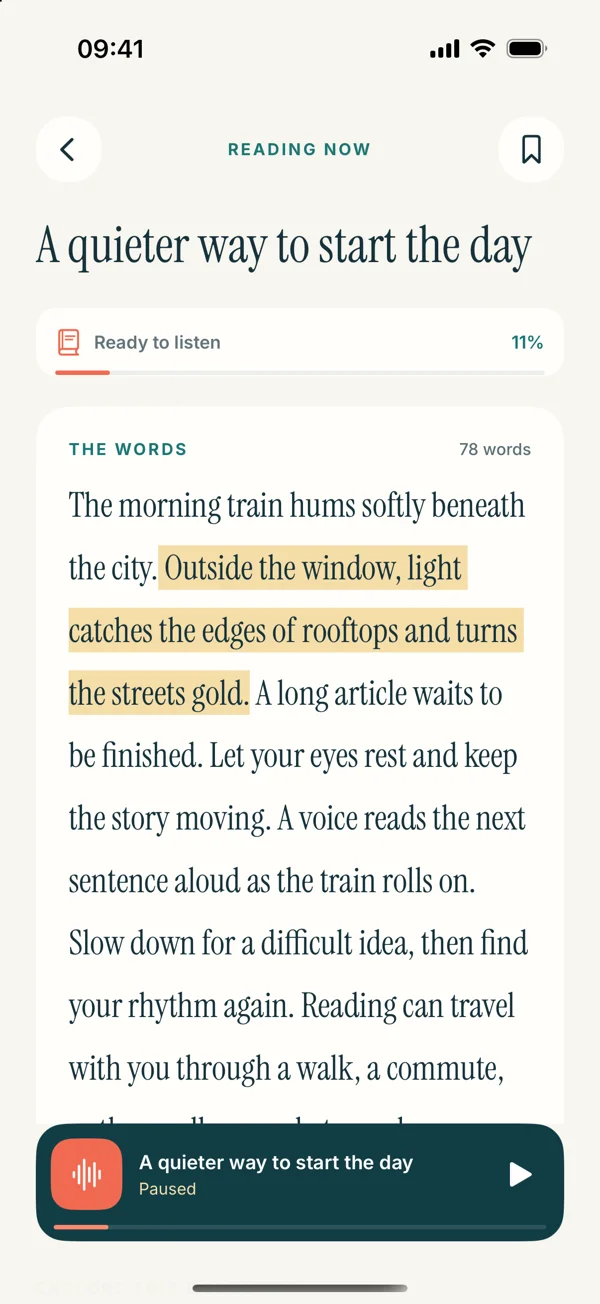
 Read Aloud
The useful answer
Read Aloud can turn a text-based research PDF into an in-app listening session on iPhone or iPad. Check columns, equations, and references before relying on the spoken order. Use listening for prose sections and return to the original paper for figures, tables, and precise citations.
Which app fits a research-paper listening task?
Read Aloud is an option for a researcher or student who has a PDF and wants to hear its prose while keeping a place to return. For a short passage already visible in another app, Apple's built-in reading tools may be enough. If you need an exported audio file or a generated discussion of the paper, evaluate that requirement separately.
The central question is whether you want to hear the author's words, hear a summary, or inspect evidence. Those are different jobs. This article focuses on listening to the paper's text and using the result to plan a more attentive return to the original.
This guide is published by Read Aloud's developer. The app's current listing describes PDF listening, voice choices, saved progress, bookmarks, and notes. Premium voices and selected features require Plus.
Match the tool to the research task
Scroll sideways to see all columns.
| Your immediate task | A practical starting point |
|---|---|
| Hear an abstract once | A built-in speech action on the exposed text |
| Keep several papers for repeated listening | A document library such as Read Aloud |
| Understand a chart, equation, or statistical table | The original paper and its visual context |
| Produce an MP3 or other deliverable | A tool that explicitly supports the required export |
| Obtain a summary of the argument | A separate summary workflow, checked against the paper |
This table is a workflow recommendation, not a ranking of academic tools. The best option for a literature review depends on the formats you have and the questions you need to answer.
Check the PDF before comparing voices
Try selecting a complete sentence. If you cannot copy meaningful words, the page may be an image or otherwise unsuitable for direct text extraction. Look for an accessible version from the publisher or author before spending time on OCR.
Then inspect a page with columns. The visible left-to-right order is not always the order stored in the file. A reading app may encounter a footnote or sidebar between two parts of a sentence. Our column-order guide explains how to recognize that problem.
Do not judge a reader using only the title page. Choose a section that resembles the main body of the paper. A clean first page tells you little about what happens when equations, captions, or references appear later.
Prepare a purposeful first listening pass
Write one question before pressing play. For example: “What comparison does this study make, and what would limit its conclusion?” That question gives you a reason to pause and a way to decide which sections deserve another reading.
Begin with prose that sets the context, then move to the parts relevant to your question. You might listen to the abstract and introduction before inspecting a methods figure. This is a suggested reading strategy, not an app feature that automatically identifies or rearranges the paper's sections.
Keep the citation details with the source. A title such as “Morgan 2024 — transport survey” is easier to recognize in a library than an anonymous file number. Preserve the original document so every note can be checked later.
Use Read Aloud for the prose, then return to the evidence
On iPhone or iPad, save the PDF in Files, open Read Aloud's Add content flow, and choose the document import route. Open the saved item and compare a paragraph with the original. The PDF import guide provides the full steps.
Choose an available voice and a pace at which unfamiliar terminology remains clear. Listen to a short section with the text visible before trying a longer session. If a sentence is mangled by extraction, fix the source problem or prepare a checked text copy rather than compensating with a slower voice.
When you reach a useful passage, save a return point or note its section and page. Keep the note about your research question: “Which group was excluded?” will help you more later than “interesting.”
A worked example for a seminar paper
Imagine a paper about the effect of bus-route changes on travel time. Your task is to discuss its assumptions at a seminar, not memorize every sentence.
First, hear the abstract to identify the broad question. Next, listen to the introduction and write down the comparison the authors intend to make. Pause at a reference to a map, open the original figure, and inspect what the route labels mean. Continue with the prose describing the method.
When the results section presents a table, switch back to visual review. Check the column headings, units, and sample sizes rather than trusting a stream of spoken numbers. Finish by listening to the discussion and noting one limitation to revisit.
The result is a small set of source-linked questions. Listening has helped organize attention; it has not replaced the evidence check or established that the paper's conclusion is correct.
Handle references and technical terms deliberately
A long reference list can interrupt a listening session without helping your current question. Decide whether you need it at that moment. Use the reader's available navigation or prepare a clearly labeled excerpt; do not assume automatic citation skipping.
For technical names, check spelling and voice language. If the voice remains awkward, keep a written glossary beside the source or rehearse the term with the text visible. Avoid silently changing the author's wording in a copy you may later quote.
Our pronunciation troubleshooting article separates voice choice from source-text problems. A pronunciation issue and a factual misunderstanding need different fixes.
Questions students and researchers often ask
Can Read Aloud explain the paper to me?
This workflow reads imported text. Hearing it is different from receiving a validated explanation of the argument. Use the original and your course or research context to evaluate what the authors mean.
Can I listen to a scanned journal article?
The scan needs recognized, checked text first. An accessible PDF is preferable when available. The app's scan workflow covers page images, not a guarantee that every image-only PDF is converted automatically.
Is a faster reading speed better for studying?
Use a speed that lets you state the main point after a section. If you cannot, reduce the pace or return to the text. Completing more audio is not evidence that you understood more.
How do I start?
Try Read Aloud with one paper you know. Check a prose section and one complicated page, then use a short listening pass to create questions for your next visual reading.