 Read Aloud
The useful answer
Check the source before changing the voice. Accidental line breaks, split words, and copied page furniture can disrupt speech. Prepare a separate, carefully checked text copy with meaningful paragraphs.
A strange rhythm often starts in the clipboard
You copy a paragraph from a PDF, paste it into a reading app, and hear a pause after almost every short phrase. The same voice sounds fine on other documents. That contrast is useful evidence: the problem may be in the pasted text rather than the speech settings.
Printed lines and meaningful sentences are different structures. A PDF may copy the visual end of each line as a hard break. The paragraph then contains several interruptions that were never intended as pauses in the argument. A webpage can add its own fragments, such as navigation labels or a caption inserted between sentences.
Before searching for a new voice, look at the text as plain words. A few careful edits to a listening copy can make the passage much easier to follow without rewriting the author’s ideas.
Preserve the original and make a working copy
Keep the source document untouched. Put the passage you want to hear into a separate text copy and give it a clear title. This protects the original and makes the purpose of your edits explicit: you are preparing a listening version, not silently changing the authoritative text.
For your own draft, this separation also helps you avoid losing track of revisions. If listening reveals a writing issue, edit the actual draft in your normal editor. Then update the listening copy. Otherwise, the corrected sentence may exist only in the reading app while the document you plan to submit remains unchanged.
For someone else’s material, preserve the source title and link or page reference. Those details make it possible to verify a phrase later, especially if a cleaned excerpt no longer resembles the original page layout.
Distinguish a line break from a paragraph break
Read the words on either side of the break. If a grammatical sentence simply continues, the break may be a layout artifact. If the next line introduces a new idea, a list item, or a speaker, the boundary may be meaningful and should remain.
Consider this visual layout: “The meeting will continue” on one line, followed by “after a short break.” The two lines form one sentence. In a listening copy, joining them with a space is reasonable. By contrast, a new paragraph beginning “The decision was different” may signal a deliberate change in emphasis.
Do not remove every newline at once without reviewing the result. That can merge headings with body text, collapse lists into a confusing sentence, and erase the structure that helps a listener understand the argument.
Repair split words carefully
A printed page may split a word at the right margin with a hyphen. When copied, the hyphen and line break can survive. The speech engine may treat the fragments as separate words or pronounce the punctuation in an unexpected way.
Compare the source before joining them. A split “read-” followed by “ing” is different from a genuine compound whose hyphen belongs to the word. The right repair restores the original word; it does not apply a universal rule that all hyphens should disappear.
Watch for unusual spacing as well. A copied passage may contain spaces inside a word, a missing space between sentences, or a special character that resembles an ordinary mark. Inspect the places that sound wrong instead of assuming the entire passage needs wholesale cleanup.
Keep punctuation that carries meaning
Commas, colons, dashes, and quotation marks can shape the rhythm and interpretation of a sentence. Removing them to make the text look simpler may make the spoken result less clear. Preserve punctuation unless you have checked that it is an artifact of the copy process.
When the source is your own writing, hearing a sentence may reveal that it needs a stronger boundary. Make that editorial decision deliberately. A long sentence could become two sentences, but that is a writing revision, not merely a formatting repair.
For quoted or formal text, keep a faithful copy for reference. If you create a more listenable paraphrase for personal notes, label it as your paraphrase. Mixing exact excerpts and rewritten sentences without distinction makes later source checking unnecessarily difficult.
Remove page furniture, not useful context
Repeated headers, page numbers, and navigation links can interrupt an otherwise coherent extract. In a listening copy, you may decide to remove them after confirming they are not part of the main text. The key is to identify what the fragment does in the original.
An author name and publication date at the beginning can be useful context. A page number between two halves of a sentence usually is not useful spoken content. A footnote may contain an important qualification, so do not treat every small-looking element as disposable clutter.
If a web import repeatedly says menu labels, the problem may be larger than line breaks. Follow the web article cleanup article to check the extracted body and choose a better input route.
A worked example of a cleaned passage
Imagine the copied text arrives as: “The library closes at five. / Visitors should return / borrowed equipment to the / front desk. / Building services / Page 2.” The slashes here represent line breaks, not literal punctuation.
First, identify the actual content. The opening sentence stands alone. The next three lines form one instruction. “Building services” may be a repeated footer, and “Page 2” is a page marker. Check the original before removing either, because the heading could instead belong to the next section.
A checked listening copy might contain two complete sentences followed by a paragraph boundary. That small repair preserves the instruction while removing the accidental rhythm created by the printed line width. The result is still the source’s wording, not an invented summary.
Deal with lists as lists
Lists need boundaries. If three separate instructions become one uninterrupted sentence, the listener may miss where one ends and the next begins. Keep each item on its own line and preserve any numbering that determines sequence.
For a checklist you wrote yourself, complete sentences can make a listening review easier. “Check the address. Confirm the delivery date. Save the receipt.” has clearer spoken boundaries than three isolated fragments merged together. Whether you need those changes depends on the purpose of the source.
Do not add a sequence when the original list is unordered. A list of examples is not necessarily a set of steps. Text preparation should retain the relationship between ideas rather than making every source sound like an instruction manual.
Listen to a sample after each kind of change
Make one class of repair, then replay a short section. For example, fix accidental mid-sentence line breaks first, test, then address repeated page labels. This gives you evidence about which change improved the rhythm.
If you edit everything at once, a smoother result may hide a missing sentence or an accidental merge. Comparing small changes is slower per click but can be faster overall because you avoid having to reconstruct the original when something goes wrong.
Use the same voice and speed during the cleanup test. After the source is settled, the voice guide can help you personalize the sound. The speed article explains how to adjust pace without using speed to conceal an awkward source.
Save the text in Read Aloud
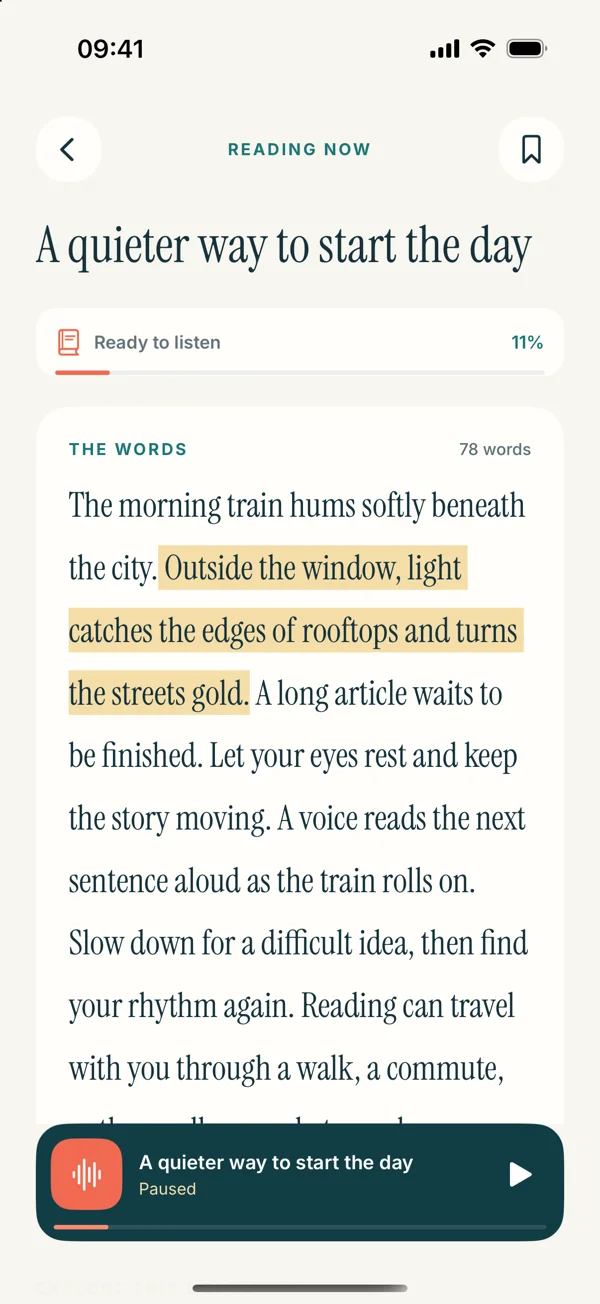
In the upcoming app, choose Paste or write text from Add content, add the checked passage, and save it with a meaningful title. Open the saved item and listen while following the words for the first pass. The iPhone text-to-speech guide covers the full route.
These screens preview version 1.0.3. The current public app is version 1.0.2 and already supports text listening, but its interface may differ. Use the App Store’s release details to see which experience is available on your device.
Once the passage reads smoothly, stop cleaning and use it. The purpose is to hear the material, not to spend the whole session perfecting formatting. A small, accurate excerpt is often a better first listen than a large, heavily transformed document whose source is difficult to reconstruct.
Preserve a before-and-after sample
Keep one short original excerpt beside the cleaned version until the first playback is checked. Read them sentence by sentence and confirm that the only changes are the intended spacing and layout repairs. This is especially useful when several small hyphens or breaks occur together: a smoother result should still contain every word you meant to preserve.
A repeatable preparation routine
Keep the original, copy only what you need, preserve paragraph meaning, repair obvious copy artifacts, and test a sample. If the sequence still jumps between unrelated ideas, investigate reading order instead of continuing to remove punctuation.
For a document that repeatedly causes trouble, ask for a cleaner export or another source format. Rebuilding the same broken text every week is a sign that the source workflow deserves attention. For an occasional passage, a careful working copy is often enough.
The most useful cleanup is modest and traceable. You should still be able to point to the original and explain exactly what changed: the words remain, the layout artifacts are gone, and the reading rhythm now follows the sentences.