 Read Aloud
The useful answer
Look for an actual DRM-free EPUB offered by the author, publisher, or a reputable ebook collection. Check the rights and download instructions, then test a short section before building a large listening library.
Start with a book you can actually import
When you want to try ebook listening, the first obstacle can be finding a suitable file rather than choosing a voice. A title in a bookstore app may be available to read there without providing an EPUB that another app can open.
For a general EPUB reader, look for a download explicitly offered as EPUB and, where relevant, described as DRM-free. You want the book file itself, not a browser link or a license document that another service uses to authorize reading.
The upcoming Read Aloud release supports EPUB imports from Files. That makes a small, straightforward book a useful way to test the workflow. It does not mean every ebook purchase or subscription title can be moved into the app.
Check the author or publisher first
An author’s website or publisher’s store may offer an EPUB directly. Read the format and access information before downloading. A page that says “ebook” without naming the format leaves an important question unanswered.
If several download options are available, keep a note of which one you selected. A bundle might contain PDF, EPUB, and other files with nearly identical titles. Clear filenames make it easier to import the intended version and return to the source later.
For a book you already purchased, check your account’s download section and the seller’s help page. Do not assume that a file exists just because the book appears in the store’s reading app. If the permitted format is unclear, the provider is the right place to ask.
Use established collections thoughtfully
Project Gutenberg is one example of a collection offering downloadable ebooks in several formats. Its download-format help and mobile reading guidance explain how to choose files for phones and tablets.
Collections can be useful for finding a short practice book because you can inspect the available formats before committing to a purchase. However, copyright status and permissions can vary by jurisdiction. Read the collection’s notices and check the rules that apply to your use rather than assuming “available online” means unrestricted everywhere.
This article is about selecting a compatible personal reading source. It is not a catalog of guaranteed public-domain works in every country, and it does not authorize redistributing a book or a generated narration.
Prefer a simple first test
Choose a short prose work with conventional chapters. A complex textbook, comic, or heavily illustrated fixed-layout book is a more demanding first import. You want to learn whether the basic reading route fits your needs before adding layout complications.
A familiar text can be especially useful because you can notice missing or reordered material. Read the first paragraph and a later chapter after import. If you know what should be there, the comparison is easier than trying to verify an unfamiliar book from scratch.
Do not confuse a short test with a commitment to read only simple material. It is a diagnostic step. Once the workflow works, you can try more challenging files with a clearer idea of which source features may need special attention.
Inspect the download page carefully
Look for the file extension, whether images are included, any access restrictions, and whether the source provides a version suited to your device. A download labeled for a specific store or device ecosystem may not be the same as a general EPUB.
Avoid third-party pages that obscure the source or provide unexplained installers instead of a book file. For ordinary EPUB reading on iPhone or iPad, your goal is a file available through Files, not an unrelated desktop utility.
Keep the source URL with your reading notes. If the file is later corrected or you need a different format, that reference is more useful than trying to rediscover the book from a renamed download. It also helps distinguish editions with similar titles.
Save the book where you can find it
After downloading, open Files and confirm the book is present and accessible. If a cloud provider is involved, make sure the actual file is ready to open. A visible placeholder may still require a download before another app can import it.
Use a filename that identifies the author and title without becoming unwieldy. If you have several editions, include a brief edition marker. This is especially helpful when a later reading session sends you back to the original for a quotation or an image.
A clear local file organization also prevents accidental duplication. Before downloading again, check whether the file you need is already there under a slightly different name. The goal is a small usable library, not several uncertain copies of the same book.
Import a sample and verify the text
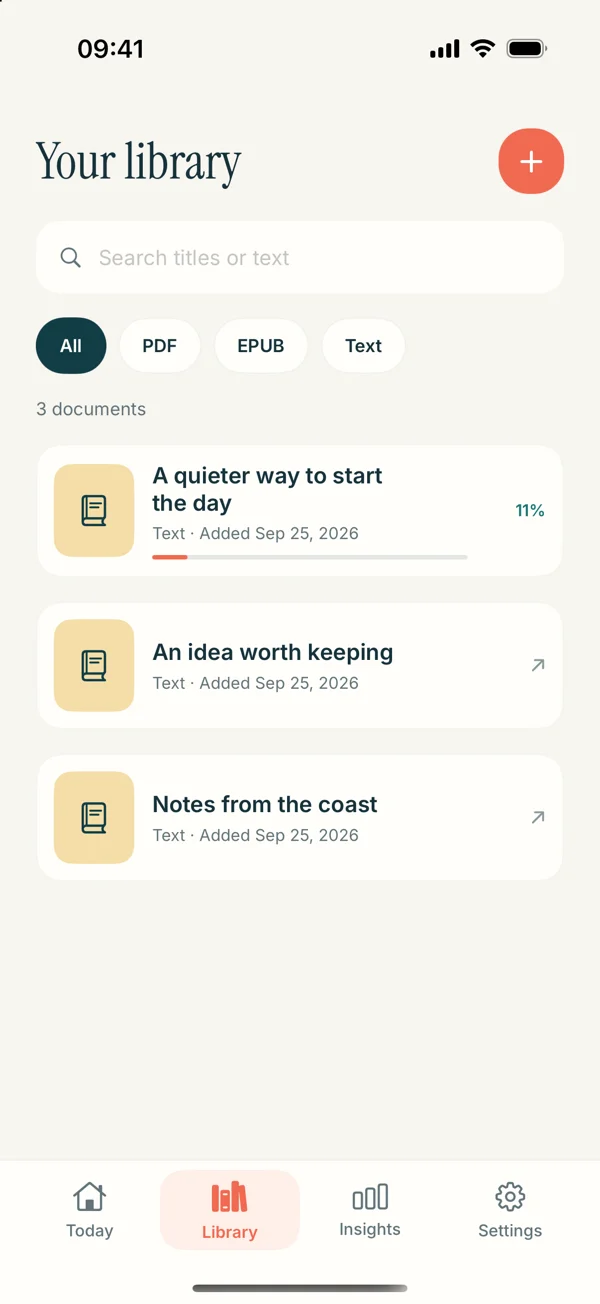
In the upcoming Read Aloud interface, use Add content and the document import option, select the EPUB, and open it from the library. The EPUB listening guide covers the route and the release notice in detail.
Inspect a paragraph at the beginning, a chapter boundary, and a later section. Check that the text proceeds sensibly and that you have more than a preview excerpt. A cover and contents page can make an incomplete file look convincing until you move further into the book.
If the file will not open, follow the EPUB troubleshooting article rather than immediately changing voice settings. Format, download completeness, and access restrictions are separate from how readable text is spoken.
Choose between editions for listening
When a source offers several legitimate editions, compare the features that affect your use. An edition with modernized spelling may sound different from one preserving older conventions. Extensive notes can be valuable for study but interrupt a continuous listening session.
Do not choose solely on the basis of file size or cover design. Open a representative sample and look at paragraph structure, chapter organization, and the way notes are presented. The version that is best for visual scholarship may not be the one you want for a relaxed first listen.
Keep the edition details if you plan to cite the book. A listening copy should not make it harder to identify which text you used. If you switch formats, verify that you are still reading the same edition rather than assuming all downloads are identical.
Understand the difference from an audiobook catalog
A DRM-free EPUB usually gives you text, not a narrated performance. A speech reader produces a voice from the text during the app’s listening workflow. The result may be convenient, but it is a different experience from a recording directed and performed by a narrator.
If character performances and deliberate interpretation are your priority, a licensed audiobook may suit you better. If you want to hear a compatible text you already have and choose your own reading pace, text to speech may be the appropriate route.
Our text-to-speech and audiobook comparison explores that decision without treating one approach as universally superior. You can use both depending on the book and the kind of reading you want to do.
Build a small listening shelf
Start with two or three titles you genuinely want to spend time with. Include one easy test and one book that matches your real interests. A huge collection can turn into another backlog before you have developed a useful listening habit.
Give each book a purpose: a first encounter, a reread, a chapter for a project, or simply something enjoyable. That purpose helps you choose the pace and decide when to pause for the text. It also makes it easier to remove material you no longer want to hear.
Do not assume the app creates an automatic queue, podcast feed, or synchronized cross-device collection. This workflow is about choosing a book from your saved library and listening to it intentionally on the device you are using.
A worked first-book routine
Choose a short DRM-free prose EPUB from a source whose terms you understand. Save it in Files with a clear name. When the upcoming EPUB-capable release is available, import it and compare the first page of text with the source.
Play one paragraph with a system voice. Adjust the pace only after you have confirmed the words and order. Then listen to a short section, pause, and note the chapter or idea you want to return to. This gives you a complete test from download to meaningful use.
If the result is comfortable, add a longer book. If it is awkward, identify whether the difficulty came from the file, the voice, the pace, or the material itself. Each of those has a different solution, and adding more books before diagnosing it will not help.
Keep the source relationship clear
A useful EPUB collection is one you can explain: where each file came from, what format it is, what use is permitted, and whether it has been checked in your reader. That does not require an elaborate catalog. A clear filename and source note often suffice.
Read Aloud’s App Store page provides current availability. The website’s EPUB instructions preview version 1.0.3; the public release is currently 1.0.2. Keep that boundary in mind when choosing when to test the workflow.
The best first book is not necessarily the most famous title or the largest download. It is a book you want to hear, in a format you can use, with text you can verify. Start there and let the library grow from actual reading.