 Read Aloud
The useful answer
To listen to a research paper on Android, download an authorized PDF, import it into Read Aloud through Add content → Import a file, and check the extracted text before pressing Play. Start with prose such as the introduction or discussion. Keep the original paper open for equations, figures, tables and exact citations.
Try your own document. Free download; optional in-app purchases.
A research paper often contains two reading tasks at once. You need to follow an argument expressed in paragraphs, and you need to examine evidence expressed through tables, equations or figures. Audio can give you another way into the prose while the original PDF remains essential for the details.
This walkthrough is for an Android phone and a paper you already have permission to access. The aim is a repeatable listening session with a clear question, not a claim that hearing a paper once replaces studying it.
About this guide: We make Read Aloud. Android instructions were checked against the app's import and reader controls and its Google Play listing on 18 October 2026.
Prepare the paper before opening a reader
Download the paper from its authorized source. Finish the download while connected, then confirm that it opens in your usual PDF viewer. A link to a publisher's sign-in page is not the same thing as the PDF file itself.
Try selecting a sentence. If selection works, the file probably has a text layer you can inspect. If the page is only an image, text recognition may be needed. Either way, look at a representative page rather than assuming the cover page tells you how the entire paper is structured.
Choose the purpose of the first session. You might want to understand the research question, hear the authors' interpretation, or review a section you have already read. Keep that purpose small enough to answer afterward in a sentence or two.
Scroll sideways to see all columns.
| Paper section | A useful listening goal | What to check visually |
|---|---|---|
| Introduction | Identify the question and motivation | Defined terms and cited claims |
| Methods | Follow the broad procedure | Parameters, formulas and experimental setup |
| Results | Hear the authors' description | Tables, figures, units and uncertainty |
| Discussion | Understand the interpretation and limitations | Whether each claim matches the reported evidence |
| References | Locate a source you need | Exact authors, title and publication details |
Import the PDF into Read Aloud on Android
- Open Read Aloud and choose Add content.
- Select Import a file to open Android's file picker.
- Find the downloaded paper and select it. If it is in a cloud provider, allow the file to download first.
- Open the imported document and compare a paragraph with the original PDF.
- Choose a device voice, press Play, and set a pace that lets you follow the argument.
The Android library keeps imported documents available for later sessions. A clear source filename makes papers easier to distinguish when several have similar titles. Keep the original PDF in your normal reference collection; the listening copy is part of your reading workflow, not a replacement for source management.
Check for the two-column problem
Listen to the first few sentences while watching the text. Do the paragraphs follow the expected order, or does the narration jump between columns? Also check a page with a footnote or figure caption. Errors can be subtle because each individual sentence may still sound plausible.
If the order is wrong, look for an accessible single-column or HTML version from the publisher or author. Another option is to copy a permitted section into New text, give it a title identifying the paper and section, then use Save to library. Compare that excerpt with the source before listening.
Do not silently remove a qualifier because it interrupts the flow. A phrase such as “in this sample” or “under these conditions” may carry an important limit on the result. Cleaning an excerpt should improve reading order while preserving the author's meaning.
Use a three-pass listening routine
For the first pass, hear a short prose section and identify its main point. Pause when you encounter a new term. If necessary, look it up in the paper's own definitions before continuing. The objective is orientation rather than completion.
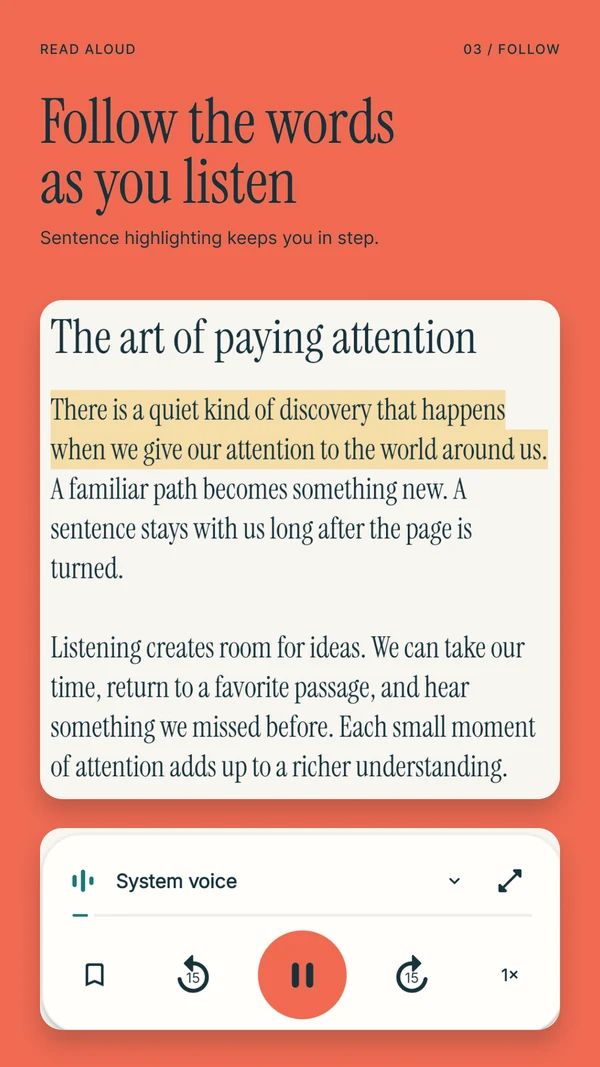
For the second pass, return to the passages relevant to your question. Read alongside the sentence highlighting and slow down around dense explanations. Save a passage or add a note when you identify a claim you want to examine. Make the note specific, such as “compare this explanation with Figure 3.”
For the third pass, leave audio when the evidence requires it. Inspect the figure, units or calculation. Then return to the prose to check whether your interpretation matches what the authors actually wrote. Switching between listening and looking is part of the method.
What should you do with equations and references?
Treat spoken equations as a prompt to inspect the notation, not a reliable substitute for it. A voice may read symbols literally, omit a structural distinction or pronounce an acronym in an unexpected way. The source contains relationships that a stream of words may not preserve.
Similarly, a fluent reading of a reference does not establish a correct citation. Copy bibliographic details from the original source or your reference manager. Use saved passages to mark where a reference matters, then verify the author, year and page before including it in your work.
This distinction is particularly useful when reviewing while away from your desk. You can identify a section that deserves closer attention and leave yourself a note without pretending you have completed the visual check.
Plan for an offline session
Read Aloud can use saved documents with installed local system voices offline. Prepare the paper and voice while connected, then test a passage with networking disabled. Open the document again during the test so you know you can return to it.
Premium speech and online tools have separate preparation and access requirements. If you rely on a paid offline narration feature, verify its completed download and availability in your installed Android app before traveling. A file saved in the library does not by itself establish that any chosen voice is ready offline.
Questions about listening to academic PDFs
Which Android app should I use for research papers?
Read Aloud is one option for importing PDFs and returning to passages on your phone. Choose using a typical paper from your own reading list. Our NaturalReader comparison for Android explains other priorities, including a broader web workflow and audio-export requirements.
What if the scanned text contains mistakes?
Compare the recognized text with the image, particularly names, decimal points and units. Use a clearer source or a corrected excerpt when needed. Do not rely on spoken output for an exact value until you have checked the original.
Can I use a summary instead of reading the paper?
A summary may help you decide where to focus, but it can omit qualifications and supporting details. For a claim you intend to cite or use, inspect the relevant source passage and evidence. Keep your notes tied to the paper itself.
What is a useful first listening session?
Download Read Aloud for Android, import one paper and hear its introduction with a device voice. Write down the research question, save one passage to revisit and check one associated figure or reference before moving on.